 CoreAxis ePOS
CRM & Customers
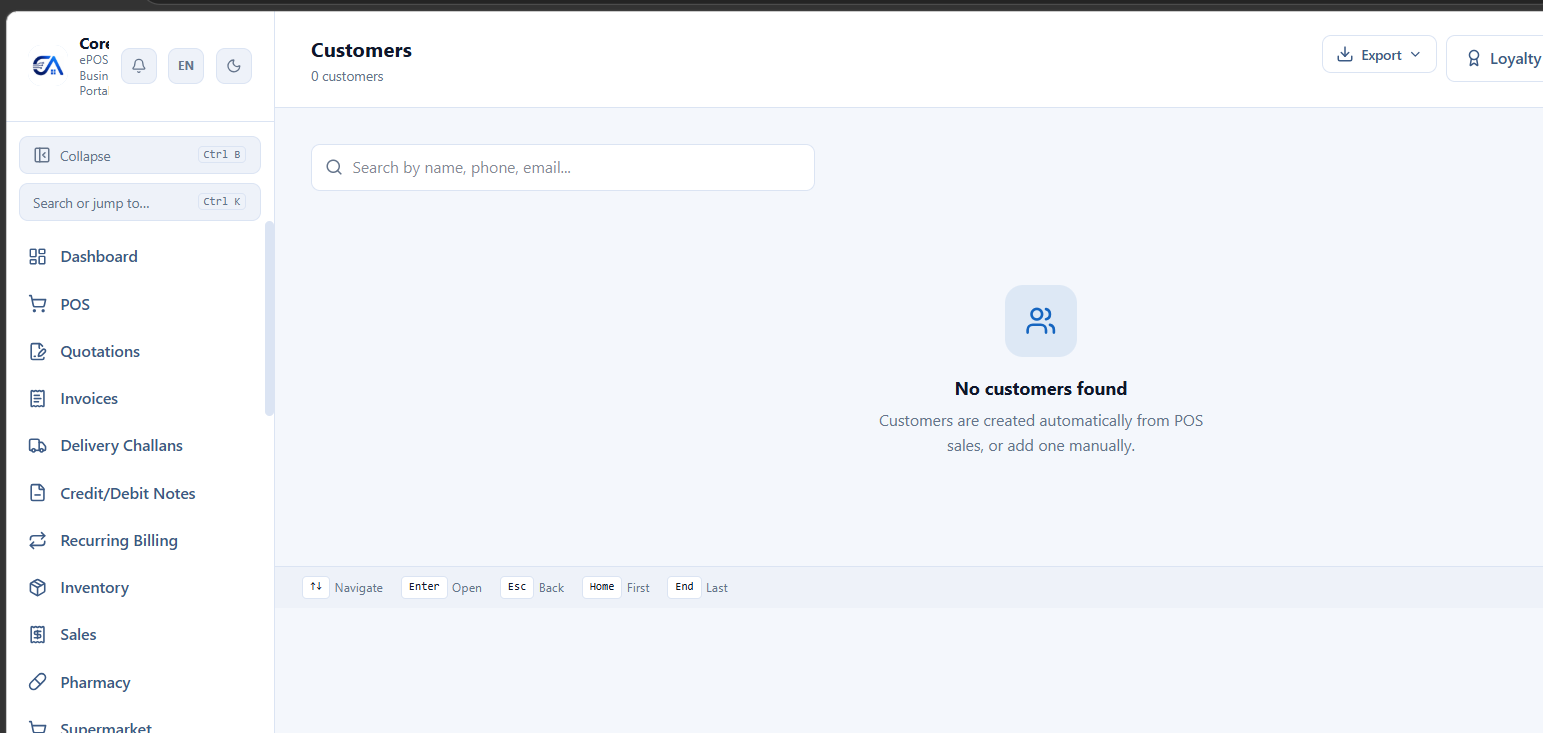
CRM screen — customer directory with search, export, and loyalty features
Customer Management
Manage all your customers from CRM → Customers.
- Create customers with: name, phone, email, GSTIN, address, and price level.
- Customer Detail View: Full 360° view — purchase history, outstanding dues, loyalty points, ledger, and contact info.
- Assign customers to groups or price levels for differentiated pricing.
- Set credit limits per customer — the POS warns if a sale would exceed the limit.
Loyalty Points
Reward repeat customers with a points-based loyalty programme.
- Go to Settings → Loyalty and configure:
- Earn rate: Points earned per ₹ spent (e.g., 1 point per ₹100).
- Redeem rate: Value of each point (e.g., 1 point = ₹1).
- Minimum points to redeem: Minimum balance before redemption is allowed.
- Points accrue automatically on every purchase.
- At POS checkout, the cashier can apply accumulated points as a discount.
- Points balance is visible in the customer detail view.
Loyalty Punch Cards
Cafe Module
Classic "buy X, get 1 free" loyalty cards — digital.
- Configure the card: number of punches needed, reward (free item/discount).
- Each qualifying purchase adds a punch.
- When the card is full, the reward is automatically applied.
Gift Cards
Supermarket Module
- Go to CRM → Gift Cards → Issue.
- Set the card value and generate a unique code.
- Sell the gift card to a customer (or issue as a promotion).
- At POS, the recipient enters the gift card code. The balance is deducted from the card.
- Lookup any card's remaining balance, or cancel a card.
EMI Plans
Mobile Shop / Electronics
Offer instalment plans on high-value purchases.
- At POS, after creating a sale, click Create EMI Plan.
- Set the number of instalments, amount per instalment, and due dates.
- Track each instalment status — Pending / Paid / Overdue.
- Send reminders for upcoming or overdue instalments.
Protection Plans / Extended Warranty
Mobile Shop Module
- Create protection plans with coverage duration and price.
- Sell a protection plan alongside a product at POS.
- Track active plans per customer and product.
Combo Offers & Bundle Deals
Supermarket / Restaurant / Cafe
- Create combo offers: "Buy Product A + Product B together for ₹X" or "Buy 2, Get 1 Free".
- Combos are applied automatically at POS when qualifying products are in the cart.
Credit Limits & Dues
- Set a credit limit per customer. The POS shows a warning if a credit sale would exceed the limit.
- View Customers with Dues from Finance → Customer Receipts for a list of all outstanding balances.
- The Ageing Report shows dues broken down by age buckets (0-30 days, 30-60, 60-90, 90+).
Payment Reminders
Send automated or manual payment reminders to customers with outstanding dues.
- Go to Finance → Dues Reminders.
- Select customers and send reminders via WhatsApp or SMS.
- View reminder history and response summary.
- Overdue invoice reminders can also be sent from the Invoices screen.
Customer Portal
Give your customers self-service access to their invoices and account.
- Customers log in via OTP (no password needed).
- They can view their invoice list, download invoice PDFs, and see their account summary (total purchases, outstanding balance).
- No setup needed — the portal is available automatically at your CoreAxis URL.