 CoreAxis ePOS
GST Compliance
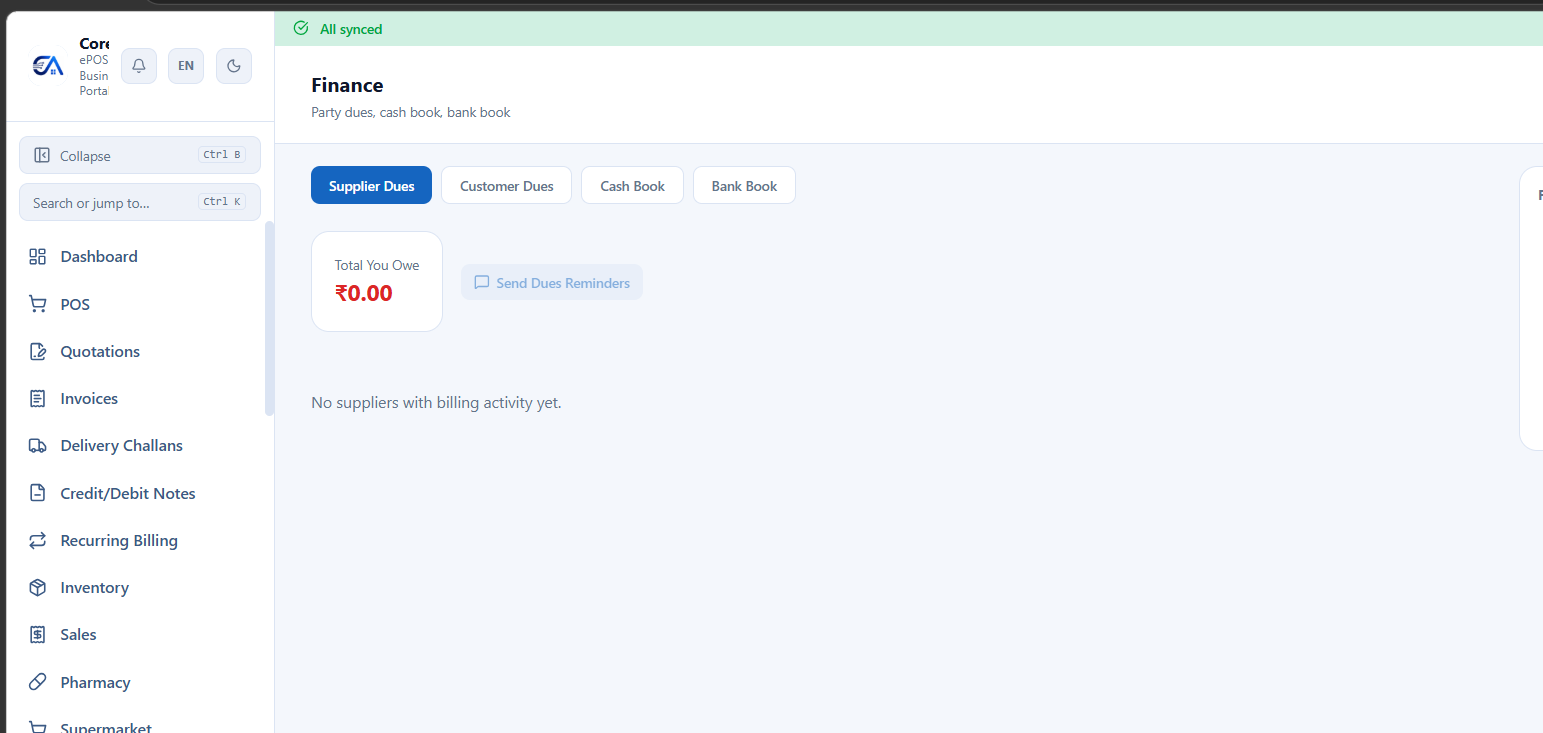
GST compliance is integrated into the Finance module
End-to-end GST management — from HSN codes to GSTR filing and e-invoicing.
HSN & SAC Codes
- Manage your HSN (Harmonized System of Nomenclature) code master from GST → HSN Codes.
- Assign HSN codes to products. The code determines the applicable GST rate.
- SAC codes for services work the same way.
- Use the built-in HSN search to find the correct code for your products.
GSTIN Verification
Verify any customer or supplier GSTIN against the GST portal.
- When adding a customer/supplier, enter their GSTIN and click Verify.
- The system fetches their legal name, registration status, state, and business type from the GST portal.
- Invalid or cancelled GSTINs are flagged immediately.
E-Invoice
Generate Government-signed IRN (Invoice Reference Number) + QR codes directly from CoreAxis.
- Set up GSP credentials in Settings → E-Invoice (Owner/Admin only).
- Create a B2B sale with a valid customer GSTIN.
- Click Generate E-Invoice. The system submits the invoice to the NIC (National Informatics Centre) portal.
- On success, the IRN and signed QR code are embedded in the invoice PDF.
- Bulk submit: Generate e-invoices for multiple pending invoices at once.
- Cancel IRN: Cancel an e-invoice within 24 hours (Government limit).
Note: E-invoice is mandatory for businesses with turnover above ₹5 Cr (as per current GST rules). CoreAxis handles B2B and B2C QR code generation.
GSTR-1
Generate and export your GSTR-1 return for filing on the GST portal.
- Go to GST → GSTR-1.
- Select the period (monthly or quarterly, based on your filing frequency).
- Click Generate. The system compiles all B2B, B2C, credit notes, debit notes, and export invoices into GSTR-1 tables.
- Review the report — check for missing GSTINs, HSN codes, or mismatches.
- Click Export JSON. Upload the JSON file to the GST portal for filing.
GSTR-2A/2B Reconciliation
- Download your GSTR-2A/2B JSON from the GST portal.
- Go to GST → GSTR-2 Reconciliation → Import.
- Upload the JSON file.
- The system auto-reconciles — matching supplier invoices in the return against your purchase records.
- Review: Matched, Unmatched (in return but not in your books), Missing (in your books but not in return).
GSTR-3B
Generate your monthly GSTR-3B summary return.
- Go to GST → GSTR-3B and select the period.
- The system calculates output tax, input tax credit, and net tax liability.
- Batch generation is available for processing multiple periods.
GSTR-9 Annual Return
- Generate the annual GST return and the GSTR-9C reconciliation statement.
- The system pulls data from all monthly returns, sales, purchases, and adjustments for the financial year.
E-Way Bills
Generate e-way bills for goods in transit.
- Go to GST → E-Way Bills → Generate.
- Enter transport details: vehicle number, transporter, distance, etc.
- The system generates the e-way bill number.
- Extend validity if the goods haven't reached the destination within the valid period.
Cess Management
- Configure GST Compensation Cess rates per product (rate-based or ad-valorem).
- Cess is calculated and shown separately on invoices.
- Applicable for products like tobacco, coal, motor vehicles, aerated drinks.
ITC Register (Input Tax Credit)
Track all input tax credit claimed, reversed, and available.
- Go to GST → ITC Register.
- The register shows ITC claimed from purchase invoices — broken down by CGST, SGST, IGST, and Cess.
- View ITC Available vs ITC Utilized vs ITC Reversed.
- Cross-reference with GSTR-2B to ensure you're only claiming eligible ITC.
Important: ITC can only be claimed on purchases from suppliers who have filed their GSTR-1. Use GSTR-2A/2B Reconciliation to verify.
GSTR-9C (Reconciliation Statement)
The GSTR-9C is an annual reconciliation statement between your audited financial statements and your GSTR-9.
- Go to GST → GSTR-9C.
- The system auto-populates figures from your books and your filed GSTR returns.
- Review and reconcile any differences between turnover, tax paid, and ITC claimed in books vs returns.
- Add auditor's recommendations and adjustments.
- Export the reconciliation statement for your CA/auditor.
Tax Computation
Get a consolidated view of your GST liability computation for any period.
- Output Tax: Total tax collected on sales (CGST + SGST + IGST + Cess).
- Input Tax: Total tax paid on purchases eligible for ITC.
- Net Liability: Output Tax minus Input Tax = amount payable to the government.
- Period Comparison: Compare tax liability across multiple months or quarters side-by-side to spot trends.